Nothing ruins the glow of a good trip like opening your phone bill a week later to a four-figure roaming charge
you never saw coming. It happens to smart, careful people constantly, usually because a single setting was
left on. Here’s the checklist that prevents it entirely.
Turn Off Data Roaming Immediately
This is the first and most important step, and it takes ten seconds. On iPhone: Settings → Cellular → Cellular
Data Options → Data Roaming, and switch it off. On Android: Settings → Network & Internet → SIMs → Roaming,
and turn it off. Do this the moment you land, before you even take your phone off airplane mode, if you’re not
sure your plan is sorted yet.
The Real Fix — Get Local Data Before You Land
Turning off roaming stops the bleeding, but it also cuts off your data entirely unless you have another source.
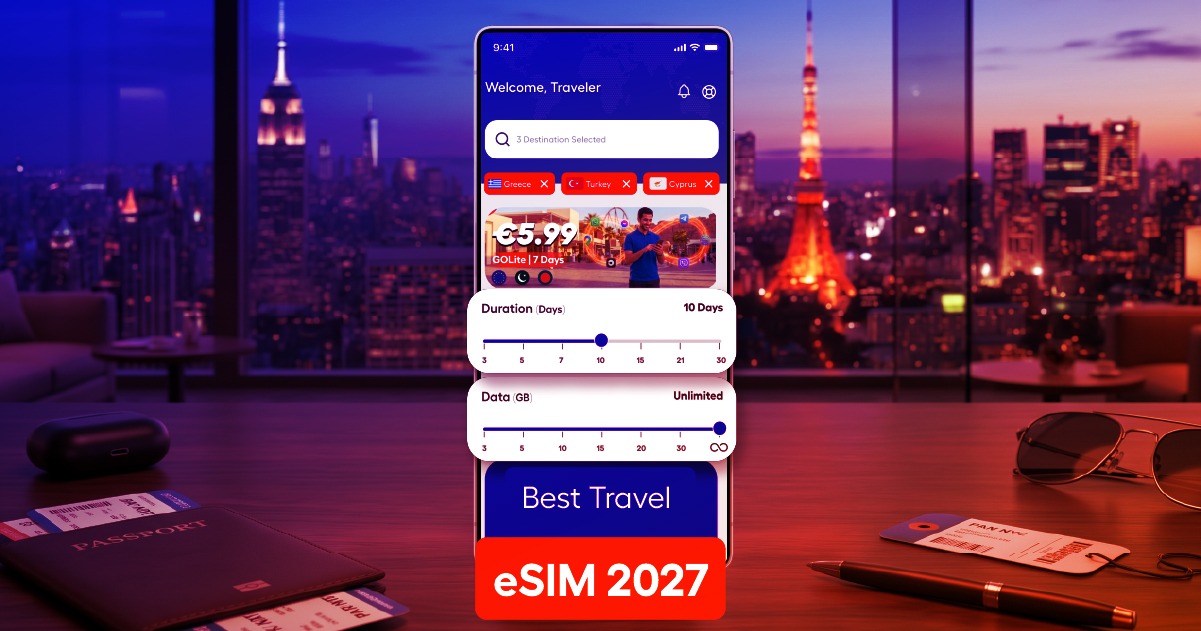
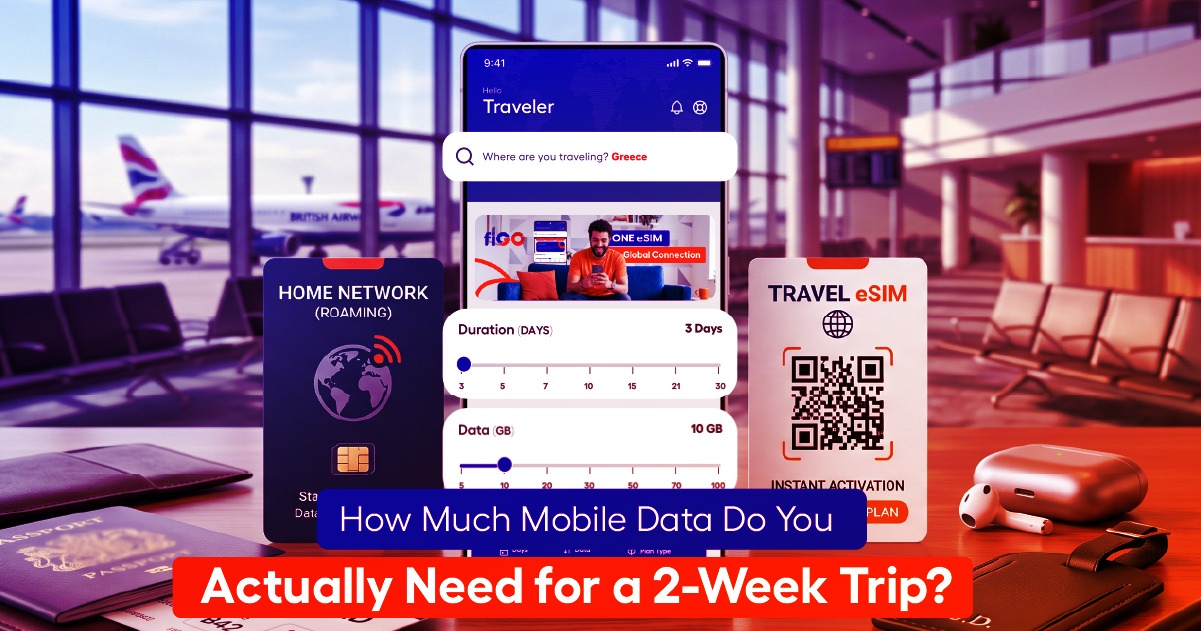
That’s where an eSIM comes in: you install a local or regional data plan before your flight, activate it on arrival,
and you have real connectivity without ever touching your home carrier’s roaming network.
Airplane Mode + WiFi Calling for Messaging Apps
If you want to stay reachable without spending anything, put your phone in airplane mode and turn WiFi back
on. Most messaging apps — WhatsApp, iMessage, Messenger — work fine over WiFi alone, so you can stay in
touch at cafés and hotels without any cellular connection at all.
Check Your Home Carrier’s Travel Pass
Some carriers offer daily or weekly travel passes that cover a set amount of data for a flat fee. These can be
worth it for very short trips of a day or two, but for anything longer, they’re almost always more expensive per
gigabyte than a dedicated travel eSIM plan. Do the math before assuming it’s the easy option.
Set a Data or Spend Alert as a Safety Net
Even with the right setup, it’s worth adding one more layer of protection. Most carriers let you set a spending
cap or data alert in their app or online account. If something goes wrong with your settings, this catches it
before it becomes a real bill instead of after.
Common Mistakes That Still Rack Up Charges
A few things slip past even careful travelers: leaving automatic app and OS updates turned on, forgetting that
a second device like a tablet or smartwatch is also connected to the same account, and assuming a WiFi
connection at a café or hotel is secure enough to skip other precautions. None of these cause roaming charges
directly except the first two, but they’re worth checking alongside your roaming settings.
Frequently Asked Questions
Will I still get charged if my phone is in airplane mode?
No. Airplane mode disables all cellular radios, so no roaming charges can occur while it’s active — though you’ll also have no cellular data or calls unless you separately reconnect to WiFi.
Can I receive texts without roaming?
Standard SMS from your home carrier typically still requires the cellular network and may incur charges. Messaging apps like WhatsApp or iMessage over WiFi are a free workaround.
The easiest way to avoid roaming charges entirely is to never rely on your home carrier’s network abroad in
the first place. Set up a local eSIM before you fly, and the whole problem disappears.