Yes — you can install your eSIM before you fly, and in fact you should. The key is understanding the difference
between installing and activating, since doing both too early can cost you part of your plan’s validity window
before you’ve even left home.
Installing vs. Activating — the Key Distinction
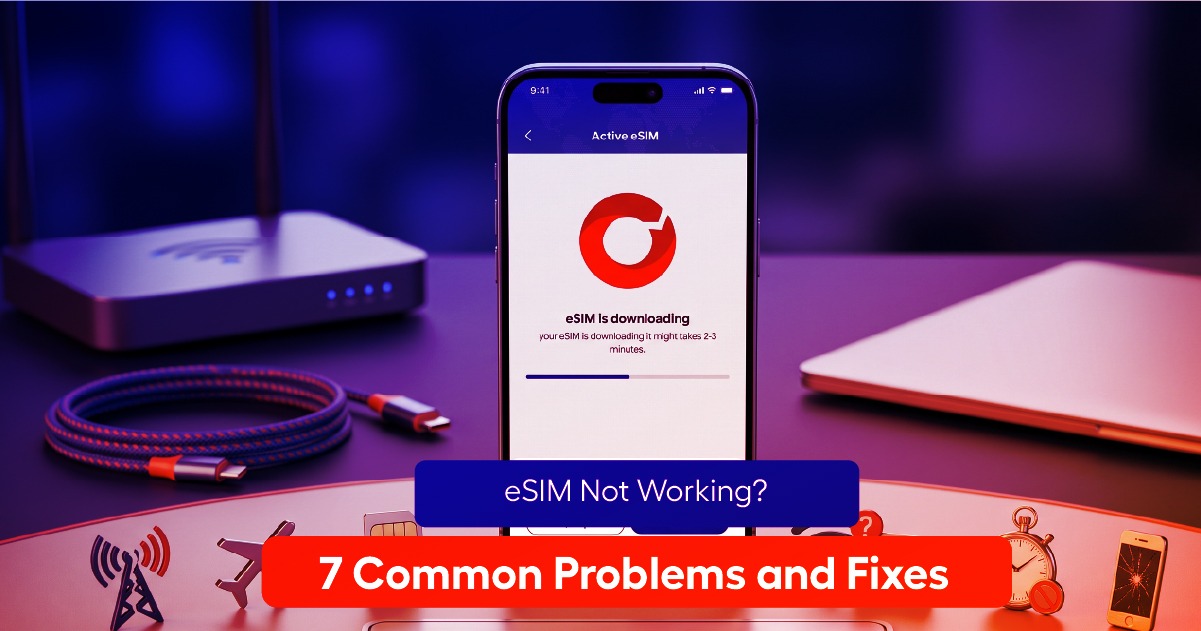
Installing an eSIM means downloading the carrier profile onto your phone. Activating it means actually turning
on that data line and starting to use it. Most plans’ validity windows — say, “7 days of data” — start counting
from activation, not installation, which is why the two steps matter as separate decisions.
Step-by-Step: Install at Home, Activate on Arrival
1. Buy your eSIM plan a few days before your trip.
2. Install the profile over home or office WiFi, well before you need it.
3. Leave the new eSIM line switched off, or at least without data roaming enabled, until you land.
4. On arrival, switch the eSIM line on and enable data roaming for it.
5. Your plan’s validity window starts from that moment, not from when you installed it.
Why This Saves You Money
If your plan gives you 7 days of validity and you activate it a day early out of habit, you’ve effectively lost a
day of usable data before your trip even started. Installing ahead of time costs nothing and saves you the
stress of doing it at the airport; activating only on arrival makes sure you get the full value of your plan’s
window.
What If You Forget and Activate Too Early
It’s not a disaster — you’ll simply have less time or data remaining by the end of your trip than you would have
otherwise. If this happens, check whether your provider allows a top-up or extension, which is often the
simplest fix.
Frequently Asked Questions
Does installing an eSIM use data? The installation process itself uses a small amount of data, typically well
under 10 MB, and can be done entirely over WiFi, so it doesn’t touch your travel data allowance at all.
Can I install it without WiFi at the airport? You generally need some internet connection — WiFi or
existing cellular data — to complete the installation, so it’s best done at home before you leave rather than
relying on uncertain airport WiFi.
Install your fiGO eSIM before you leave home, and activate it the moment you land — simple, and it makes
sure you get every bit of value from your plan.