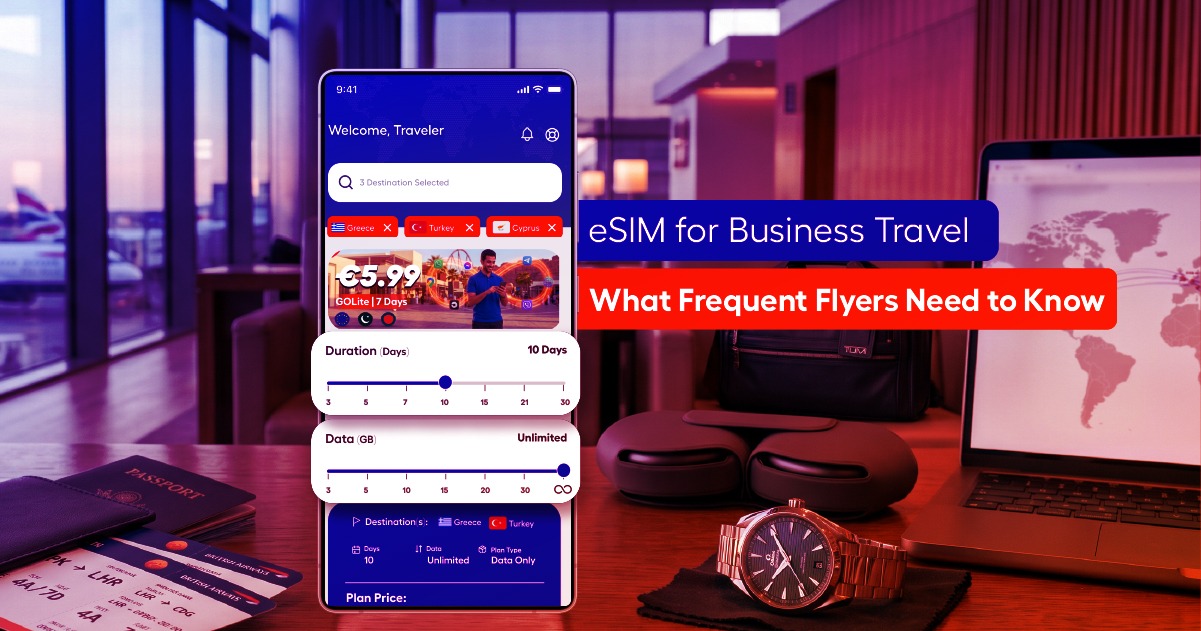
Landing in the US with a dead phone plan is one of the fastest ways to turn a smooth trip into a stressful one
— no rideshare app, no maps, no way to confirm your hotel address. Here’s how to have it sorted before you
even board.
Do You Need an eSIM for the USA?
If you’re visiting from outside the US, almost certainly yes. Roaming through your home carrier is typically
expensive for anything beyond a day or two, and buying a physical SIM in the US means finding a carrier store,
which isn’t always convenient right after a long flight.
US Network Coverage Basics
The three major US carriers — Verizon, AT&T, and T-Mobile — each have different strengths. Verizon and AT&T
tend to have an edge in rural and highway coverage, useful for road trips through less populated states, while
T-Mobile has invested heavily in city coverage and 5G rollout. Most eSIM providers route through one or more
of these networks, so it’s worth checking which one your plan uses if you’re planning a heavily rural itinerary.
How Much Data You’ll Need for a US Trip
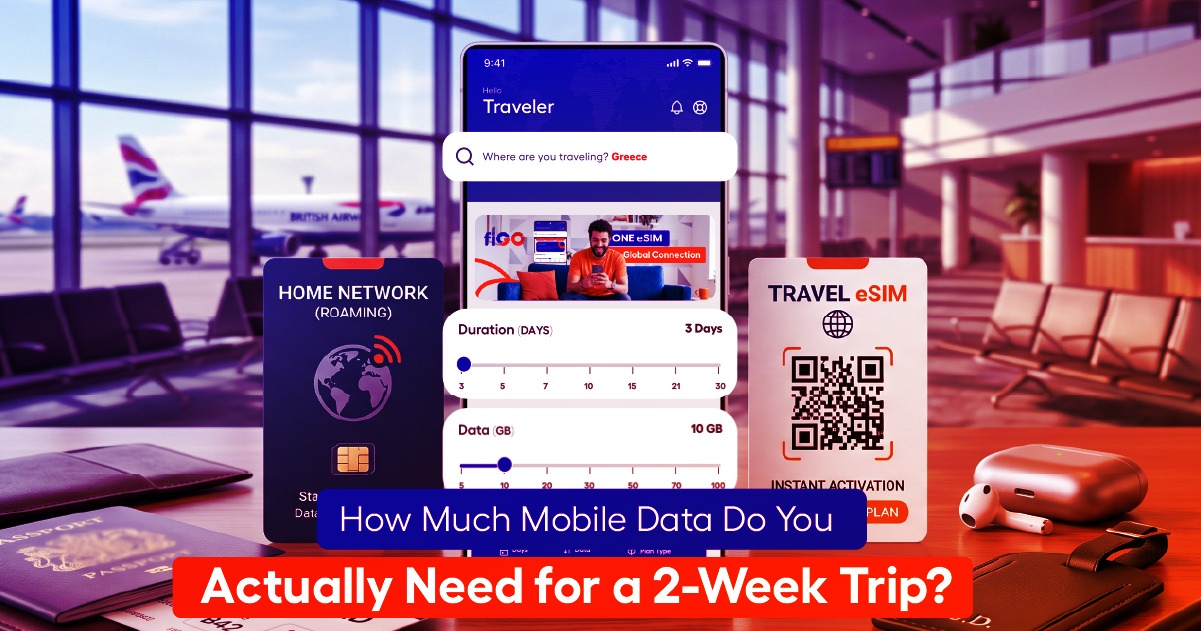
For a typical city-based trip — maps, rideshare apps, social media, some streaming — 1 to 2 GB per day is a
reasonable estimate. For a road trip relying heavily on navigation and hotspot use, budget closer to 2 to 4 GB
per day. See our full data guide for a more detailed breakdown by usage type.
Step-by-Step: Activating Your eSIM Before You Land
1. Buy your US eSIM plan before your flight.
2. Install the profile over WiFi while you still have a connection — at home or at the departure airport.
3. Leave it inactive until you land, so the plan’s validity window doesn’t start early.
4. On arrival, switch your eSIM data line on and confirm data roaming is enabled for it.
5. You’re online before you’ve even reached the taxi line.
Using Data Across US Road Trips vs. City-Only Trips
City trips are the easier case — coverage in major metro areas is strong across all three networks. Road trips
need more planning: coverage can thin out in remote stretches of the interior West and parts of the rural
South, so download offline maps for your route as a backup, regardless of which eSIM plan you’re using.
Frequently Asked Questions
Will my eSIM work with Uber and Google Maps immediately after landing? Yes, as soon as you’ve
activated the data line — both apps work over any standard cellular data connection.
Do I need a US phone number? Not for most apps and services. A few US-specific services (certain bank
verifications, some delivery apps) may ask for a US number, but the vast majority of travel needs — maps,
messaging, rideshare, browsing — work fine on data alone.
fiGO’s USA eSIM plans are built for exactly this kind of trip — check coverage and pricing for your dates and
get set up before you fly.