Your data slows down or pauses — it doesn’t cut off your ability to call or text on your home line, and topping
up is usually a single tap in your provider’s app. It’s a much smaller problem than most first-time eSIM users
expect.
What Actually Happens When You Run Out
Depending on the provider, your data connection either stops working entirely or drops to a much slower
speed once you hit your plan’s limit. Either way, this only affects the eSIM’s data line — calls and texts on your
home number, if you’ve set up dual SIM, continue working exactly as before.
How to Check Your Remaining Data Mid-Trip
Most eSIM provider apps show your remaining data balance directly on the home screen or in a dashboard,
updated in close to real time. It’s worth checking this once or twice a day on a data-heavy trip rather than
being surprised by a slowdown.
How to Top Up
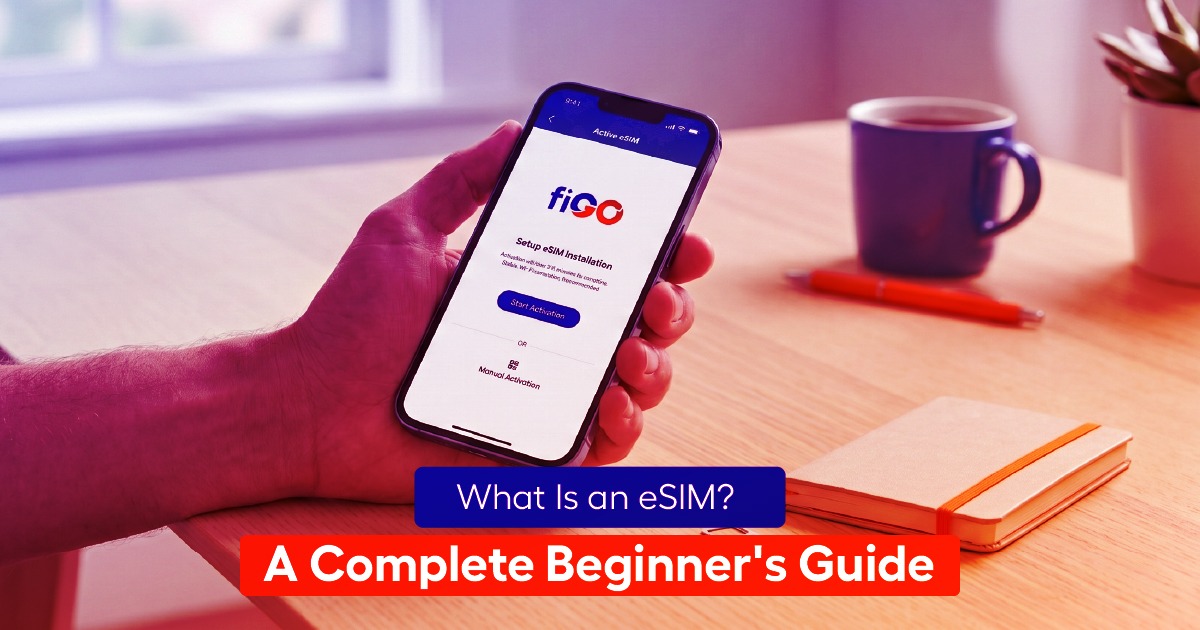
In most cases, topping up takes under a minute: open your provider’s app, select a top-up amount, confirm
payment, and the additional data is applied to your existing eSIM profile immediately, with no need to reinstall
anything or find WiFi first if you still have any signal at all.
Setting a Low-Data Alert
Many provider apps let you set a notification threshold — for example, an alert when you’re down to 20% of
your data. Turning this on removes the guesswork entirely and gives you time to top up before you actually
run dry.
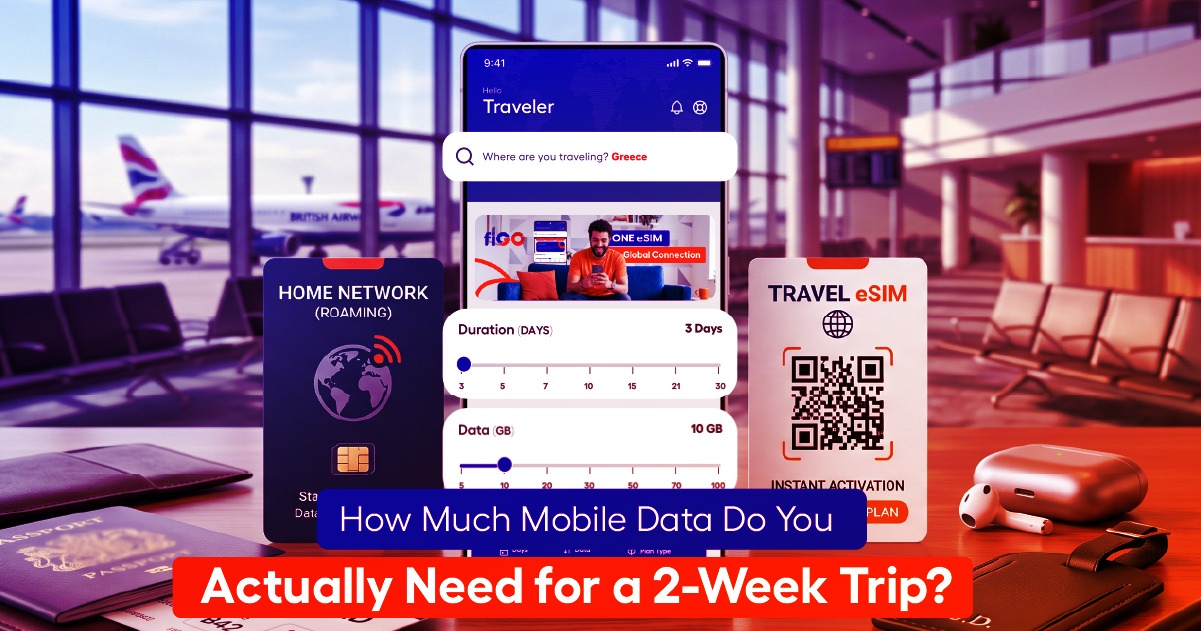
Estimating the Right Top-Up Amount
Use the same daily-usage framework from our full data guide: estimate your remaining trip days, multiply by
your typical daily usage, and round up slightly. This avoids the common mistake of topping up with just
enough to get through today and finding yourself back in the same spot tomorrow.
Frequently Asked Questions
Does topping up cost more per gigabyte than the original plan? This varies by provider — some price
top-ups the same as the original plan, others charge slightly more for the convenience of a mid-trip purchase.
Check your specific provider’s top-up pricing before you need it.
Can I top up from anywhere with WiFi? Yes, as long as you have any internet connection — WiFi or
remaining cellular data — you can open the app and complete a top-up from anywhere.
fiGO makes topping up a one-tap process in the app — check your plan’s top-up pricing before you travel so
there’s no surprise if you need one mid-trip.